What the extension does
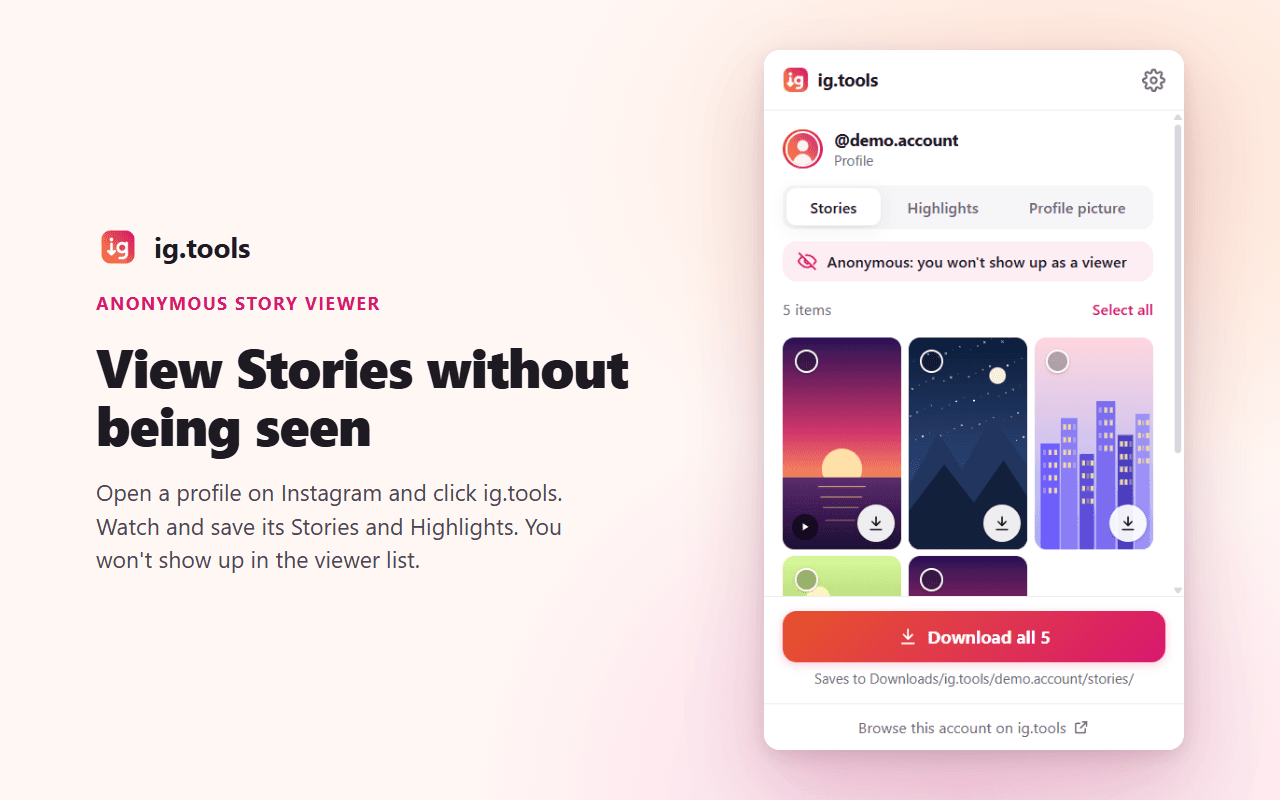
Anonymous Stories and Highlights
On a profile page, open the extension to view the account’s Stories and Highlights without appearing in the viewer list.
Download buttons on Instagram
Save posts, single slides, Reels and Stories with a button right on the page. You can turn the buttons off in the settings.
Everything on the open page
Click the toolbar icon to list every photo and video on the page, then save one, a selection or all of them.
Nothing sent to ig.tools
The extension uses your own Instagram session in this browser, and files download straight from Instagram. The code is open source.
Website or extension?
The ig.tools website
Works on any device, including phones, without signing in. Public accounts only.
The Chrome extension
For Chrome on a computer. It uses your Instagram session, so it also works for private accounts you follow, and it adds download buttons to Instagram.
Chrome extension FAQ
View the source on GitHubIs viewing Stories really anonymous?
Viewing and playing Stories and Highlights from a profile page in the extension left no view record in our tests in October 2026. Opening a Story in Instagram’s own viewer still records the view, so the extension tells you when you are on such a page. Instagram may change this.
Does it work on phones?
No. Chrome on Android and iPhone doesn’t support extensions. On a phone, use the ig.tools website instead.
Can it show private accounts?
Only accounts you already follow with the Instagram account signed in to that browser. It doesn’t get around privacy settings.
Is it free and safe?
Yes. It’s free, its code is public on GitHub, and it can only access www.instagram.com. It sends nothing to ig.tools.